
AI Web Scraper Tools Web scraping used to be a nightmare. You needed to know how to code just to pull basic data. Not anymore. have changed everything. These tools make data extraction simple and fast.
Finding the right web scraping tools matters. The wrong one wastes your time and money. That’s why list exists. Each tool on this list actually delivers results. Some are free. Some are paid. All of them work. These are the only web scraping tools worth your attention in 2026.
Can ChatGPT Scrape Websites?
Learn more:10 Best Marketing Automation Platforms I’m Using in 2026
ChatGPT can fetch some website content but it’s not a true scraper. It struggles with dynamic pages and JavaScript-heavy sites. Don’t rely on it alone for serious data extraction. It works best when paired with a dedicated scraping tool. That combo lets you pull raw data first then feed it into ChatGPT for summarizing, organizing, or extracting specific details you actually need.
The real magic happens when AI meets a proper scraping engine. Tools built for this job handle the heavy lifting. They grab the data and hand it to ChatGPT. You get clean, structured output without the headache. Think of ChatGPT as the brain and the scraper as the hands doing the actual work.
5 Best AI Web Scraper Tools To Use In 2026
The market is flooded with scraping tools. Most overpromise and underdeliver. After testing dozens of options, only five stood out as genuinely reliable. These tools handle real-world scraping challenges without breaking the bank. Whether you’re pulling product listings, monitoring competitors, or building data pipelines, these picks cover every use case you’ll run into in 2026.
Here’s a quick look at all five tools side by side so you can compare them at a glance.
| Tool | Best For | Free Plan | Starting Price |
| Gumloop | AI-powered workflows | Yes | $37/month |
| Octoparse | Large-scale scraping | Yes | $83/month |
| Browse AI | Competitor monitoring | Yes | $48/month |
| Thunderbit | Sales and marketplaces | Yes | $15/month |
| Firecrawl | Developers | Yes | $19/month |
1. Gumloop
Gumloop is a no-code automation platform that makes AI web scraping genuinely beginner-friendly. You drag nodes onto a canvas and connect them. One node scrapes the site. Another sends the data to an LLM like Claude or ChatGPT. A third drops everything into Google Sheets. It’s that straightforward. No coding knowledge required and no API keys needed to get started today.
What makes Gumloop stand apart is its flexibility. It doesn’t just scrape. It builds full automated workflows around your scraped data. You can connect it to hundreds of tools and any major AI model. Whether you’re scraping product prices, blog posts, or business directories, Gumloop handles it cleanly and delivers results exactly where you need them.
Gumloop Pricing
Gumloop runs on a credit-based pricing model. Credits determine how much automation you can run each month. The free plan is genuinely useful and doesn’t require a credit card. It gives you enough room to test workflows and get comfortable with the platform before committing to anything paid.
| Plan | Price | Credits |
| Free | $0/month | 2,000 credits |
| Solo | $37/month | 10,000+ credits |
| Team | $244/month | 60,000+ credits |
| Enterprise | Custom | Unlimited |
Gumloop Reviews
Users love Gumloop for its simplicity and power. It puts automation in the hands of non-technical people without dumbing anything down. Teams across different industries use it to eliminate repetitive tasks and speed up workflows. The feedback from real users is consistently positive and that says a lot in a crowded market.
Bryant Chou, Co-founder at Webflow, says Gumloop wins time back across entire organizations. Fidji Simo, CEO at Instacart, credits it for helping all teams adopt AI and automate workflows without needing technical skills. Those aren’t small names vouching for a mediocre tool. That’s serious social proof worth paying attention to.
2. Octoparse
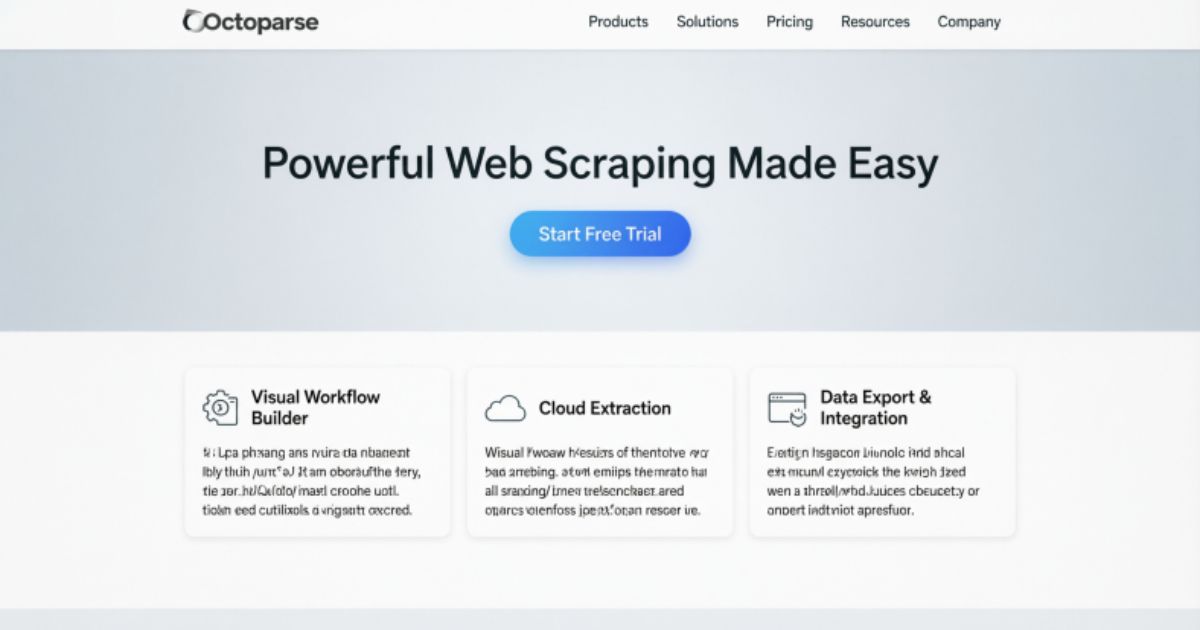
Octoparse is built for serious scrapers who need volume. It’s a dedicated web scraping platform with no-code workflow builders and powerful under-the-hood features. You can interact with web elements, handle pagination, and scrape dynamic content with ease. It’s more technical than Gumloop but far more specialized for pure data extraction at serious scale.
The platform shines when scraping gets complicated. Octoparse handles IP rotation, captcha solving, and proxy management natively. It also offers pre-built templates for popular sites like Twitter, Google Maps, TikTok, and more. If you’re pulling thousands of records regularly, Octoparse gives you the infrastructure to do it without constant babysitting.
Octoparse Pricing
Octoparse isn’t the cheapest option on this list but the features justify the cost for power users. Each plan unlocks more tasks and advanced capabilities. The free plan works well for light testing but serious scraping projects will quickly need an upgrade to keep things running smoothly.
| Plan | Price | Tasks |
| Free | $0/month | 10 tasks |
| Standard | $83/month | 100 tasks |
| Professional | $299/month | 250 tasks |
| Enterprise | Custom | Unlimited |
Octoparse Reviews
Octoparse earns strong ratings across major review platforms. Users consistently praise its template library and the ability to handle complex scraping scenarios without writing code. It’s a trusted tool with a long track record and that reliability matters when your business depends on accurate data flowing in consistently.
| Platform | Rating | Reviews |
| G2 | 4.8/5 | 52+ reviews |
| Capterra | 4.7/5 | 106+ reviews |
3. Browse AI
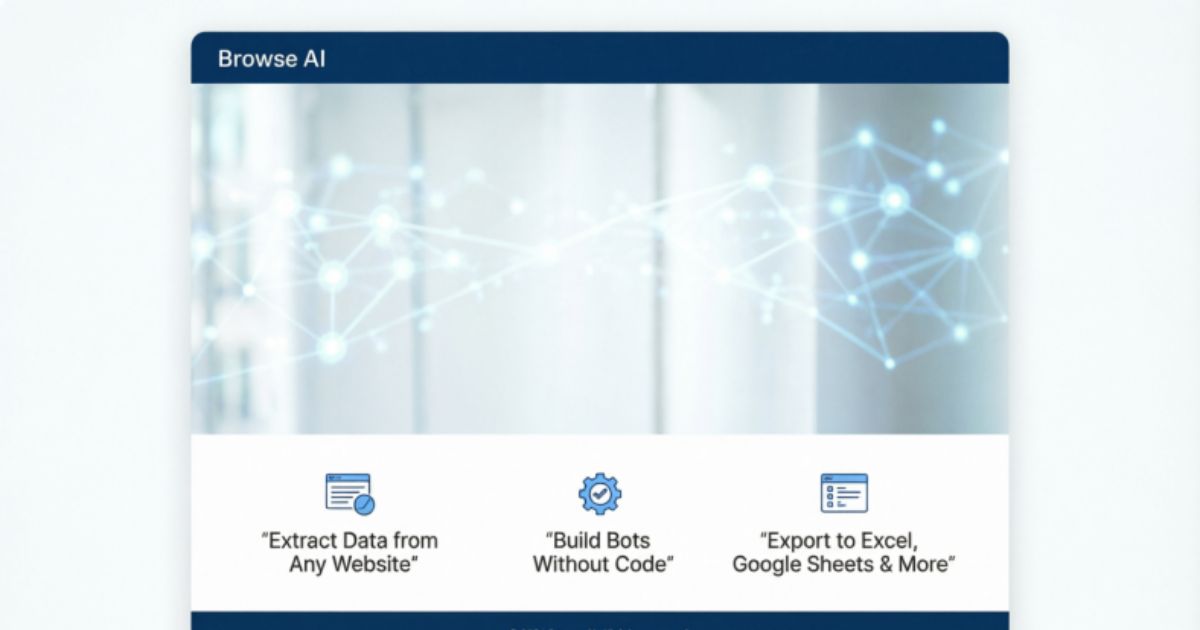
Browse AI takes a different angle on web scraping. It’s not just about extracting data once. It’s about monitoring websites over time and catching changes as they happen. That makes it incredibly valuable for tracking competitors, watching job boards, or keeping tabs on pricing shifts across e-commerce sites you care about.
The Chrome extension is a standout feature. You can set up scrapers directly while browsing a site in real time. No separate dashboard needed. Point, click, configure and Browse AI starts watching that page for you. It’s especially useful for local business directories, real estate listings, and any site where the data shifts frequently.
Browse AI Pricing
Browse AI uses a credit-based model tied to how many pages you monitor and scrape each month. The free plan is great for casual use but businesses tracking multiple competitors will want a higher tier. Credits refresh monthly so plan your scraping volume carefully to avoid running dry mid-month.
| Plan | Price | Credits | Monitored Sites |
| Free | $0/month | 50 | 2 |
| Personal | $48/month | 2,000 | 5 |
| Professional | $87/month | 5,000+ | 10 |
| Premium | $500/month | 600,000+ | Fully managed |
Browse AI Reviews
Browse AI holds impressive ratings from verified users on major review platforms. People especially appreciate how easy it is to set up monitoring workflows without any technical background. The Chrome extension gets frequent praise for making the whole process feel intuitive and fast right from your browser.
| Platform | Rating | Reviews |
| G2 | 4.8/5 | 51+ reviews |
| Capterra | 4.5/5 | 59+ reviews |
4. Thunderbit
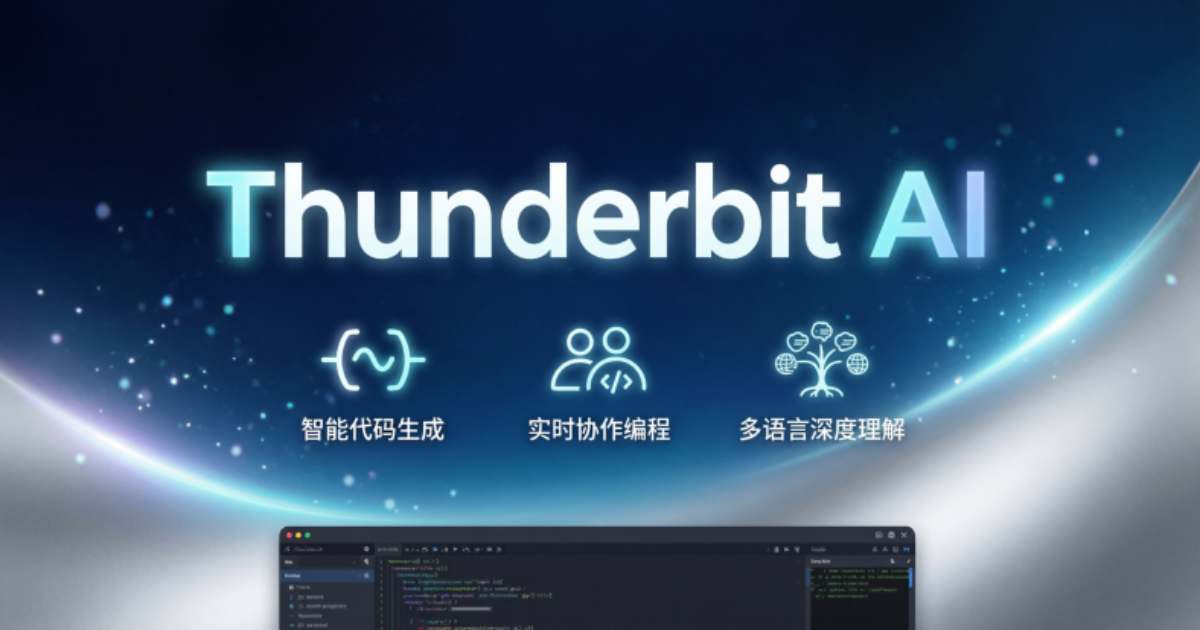
Thunderbit markets itself as a two-click scraper and it mostly delivers on that promise. It’s built with sales and operations teams in mind. LinkedIn prospecting, marketplace scraping, and lead generation are where it truly shines. You can pull contact info, product listings, or job postings and push that data straight into your CRM or outreach tool.
Beyond LinkedIn, Thunderbit handles marketplace sites beautifully. Think Zillow, Amazon, eBay, and Google Maps. It also supports PDFs, images, and documents which most scrapers skip entirely. Export everything to Google Sheets, Airtable, or Notion in seconds. For sales reps and ops teams juggling data from multiple sources, Thunderbit cuts hours of manual work down to minutes.
Thunderbit Pricing
Thunderbit offers the most affordable entry point on this list. The $15 starter plan gives you solid scraping capability without a hefty commitment. Credits determine your monthly page limit so estimate your scraping volume before choosing a plan. The free tier is genuinely usable for light personal projects.
| Plan | Price | Credits |
| Free | $0/month | 6 pages/month |
| Starter | $15/month | 500 credits |
| Pro | $38/month | 3,000 credits |
| Business | Custom | Custom |
Thunderbit Reviews
Thunderbit is newer to the scene so review volume is still building up. Early users are enthusiastic though. Product Hunt ratings are particularly strong reflecting genuine excitement from the tech community. Trustpilot numbers are modest for now but the product itself speaks louder than any early review count.
| Platform | Rating | Reviews |
| Trustpilot | 3.4/5 | 4+ reviews |
| Product Hunt | 4.7/5 | 12+ reviews |
5. Firecrawl
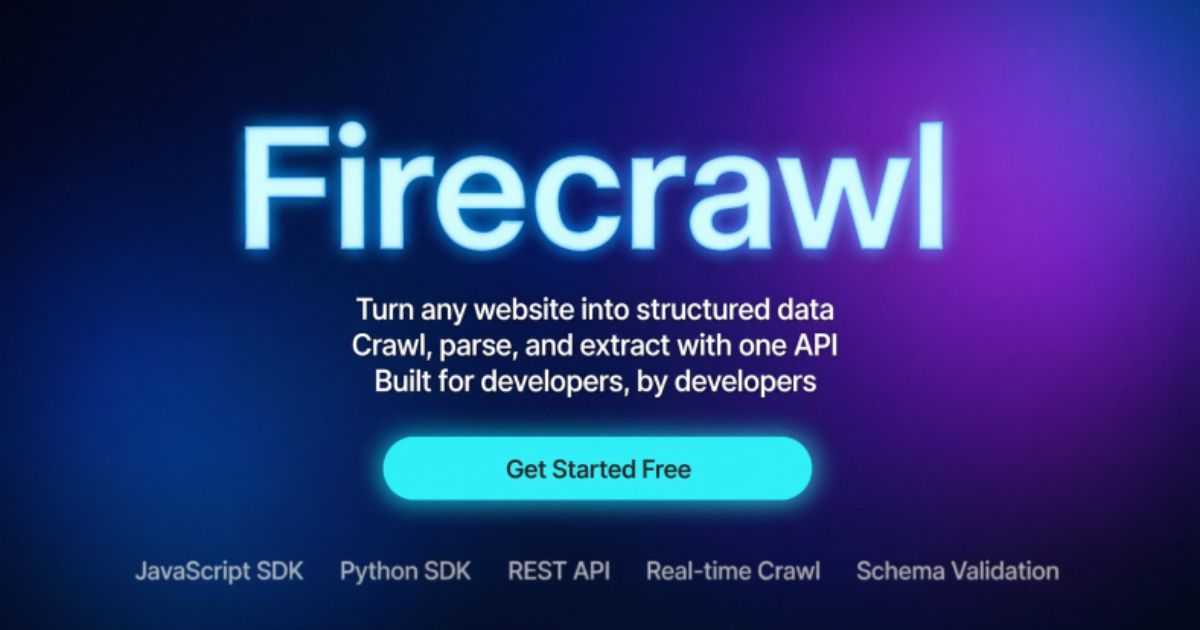
Firecrawl is the developer’s scraper of choice. It’s open source, fast-growing, and built specifically to turn any URL into LLM-ready data. Feed it a link and it returns clean markdown, JSON, or screenshots. No fluff. Just raw, structured content ready to plug straight into your AI pipeline or internal tooling.
It also crawls entire websites not just single pages. That means you can map every URL on a domain and extract data page by page automatically. Web search integration is another bonus. Firecrawl fetches full content from search results so your AI always works with complete information. It’s not beginner-friendly but for developers it’s an absolute powerhouse.
Firecrawl Pricing
Firecrawl’s pricing is developer-friendly and scales well as your scraping needs grow. The free plan gives you a one-time credit allocation to test the platform thoroughly. Paid plans offer generous page limits that suit everything from hobby projects to enterprise-level data pipelines running around the clock.
| Plan | Price | Credits |
| Free | $0 one-time | 500 credits |
| Hobby | $19/month | 3,000 credits |
| Standard | $99/month | 100,000 credits |
| Growth | $399/month | 500,000 credits |
| Enterprise | Custom | Unlimited |
Firecrawl Reviews
Firecrawl hasn’t accumulated formal reviews on platforms like G2 or Capterra yet. That’s simply because it’s newer and developer-focused communities tend to evaluate tools through GitHub stars and direct usage rather than review sites. For a deeper written breakdown you can check out this review by Data4AI which covers the platform in solid detail.
The developer community’s response has been genuinely enthusiastic. Firecrawl’s GitHub repository has grown rapidly. Contributions keep coming in and that organic growth signals something real. When developers trust a tool enough to build on top of it, that’s the strongest endorsement possible.
What Is The Best AI Model For Web Scraping?
No single AI model dominates web scraping outright. Different models bring different strengths to the table. GPT-4 and GPT-5 handle messy HTML well and excel at producing clean structured outputs like JSON or CSV. Claude Opus 4 brings deep reasoning to complex extraction tasks where context and nuance matter more than raw speed.
The real secret isn’t picking one model. It’s pairing a strong LLM with a dedicated scraping tool. The scraper handles data collection. The AI handles interpretation and structuring. Together they create something neither can achieve alone. Tools like Gumloop make this pairing effortless by letting you swap AI models freely inside the same workflow without rebuilding anything from scratch.
FAQ’S
What are web scraping tools?
Web scraping tools automatically extract data from websites. They collect text, prices, links, and other information and organize it into a clean usable format.
Are web scraping tools free?
Many web scraping tools offer free plans with limited credits. Paid plans unlock more features and higher scraping volumes for serious business use.
Do web scraping tools require coding skills?
Not anymore. Most modern web scraping tools are no-code platforms. Anyone can set up a scraper using simple drag and drop interfaces today.
Are web scraping tools legal?
Web scraping publicly available data is generally legal. Always check a website’s terms of service before scraping to stay on the right side.
Which web scraping tool is best for beginners?
Gumloop is the best starting point for beginners. It’s free to start, requires no coding, and connects directly with AI models like ChatGPT.
Conclusion
Web scraping tools have completely changed how people collect data online. No more manual copying and pasting. No more wasted hours. The right web scraping tools do the heavy lifting for you. Whether you’re a beginner or a developer, there’s a tool on this list that fits your needs perfectly.
Don’t overthink it. Start with a free plan and test things out. The best web scraping tools are the ones you actually use consistently. Pick one, learn it well and let it work for you. Better data means better decisions. That’s the real power of web scraping tools.